Connect nPM1300 EK to nPM PowerUP
Step 1 of 9
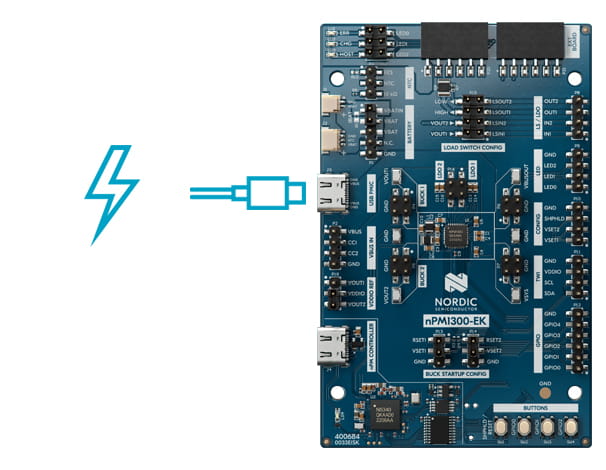
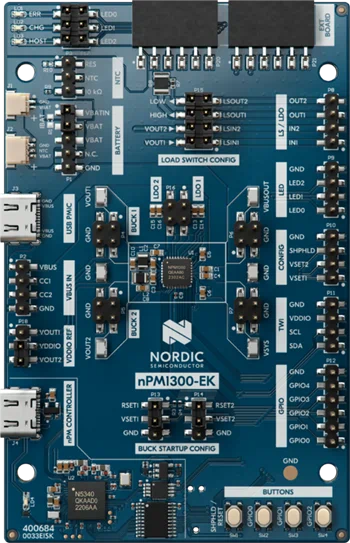
Power the nPM1300 PMIC by connecting a USB-C power source to the "USB PMIC" connector
Connect nPM1300 EK to nPM PowerUP
Step 2 of 9
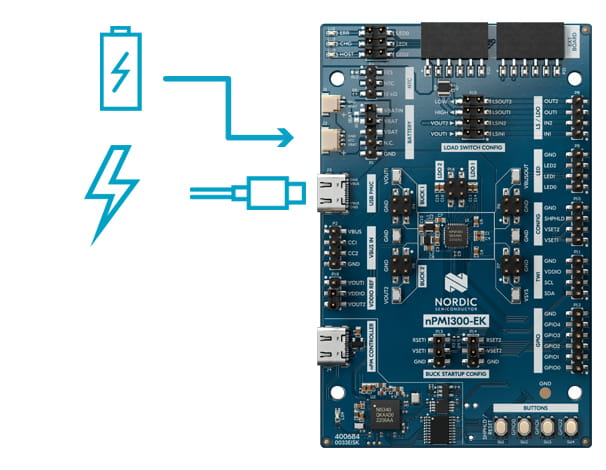
Connect a battery, ensuring correct polarity for connectors as indicated on the board
Connect nPM1300 EK to nPM PowerUP
Step 3 of 9
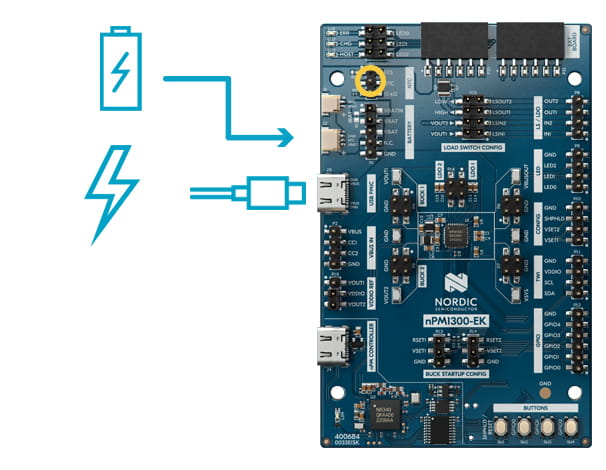
If using a battery without an internal NTC: bridge NTC- and 10 kOhm pins with a jumper
Connect nPM1300 EK to nPM PowerUP
Step 4 of 8
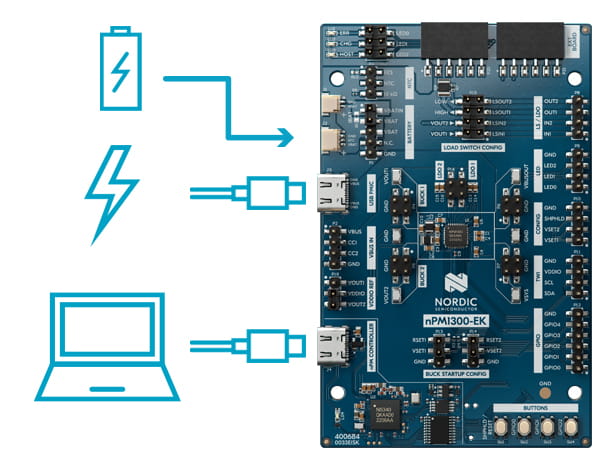
Connect a USB-C cable from your PC to the "nPM Controller" USB.
EKs version 0.9.1 or earlier, needs to use a USB-A to USB-C cable for this connection, due to hardware limitations in these early release kits.
Connect nPM1300 EK to nPM PowerUP
Connect nPM1300 EK to nPM PowerUP
Step 6 of 9
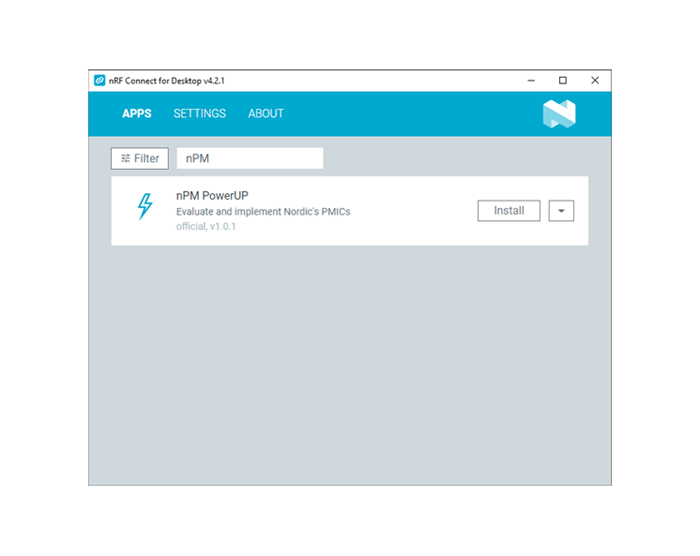
Open nRF Connect for Desktop and install nPM PowerUP
Connect nPM1300 EK to nPM PowerUP
Step 7 of 9
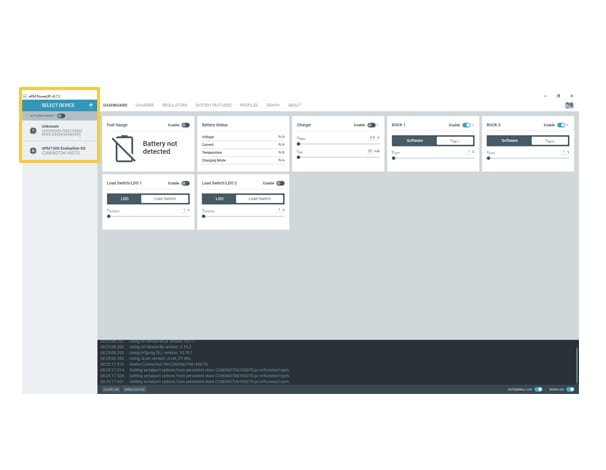
Open nPM PowerUP, click on “Select Device” and select the nPM 1300 Evaluation Kit
Connect nPM1300 EK to nPM PowerUP
Step 8 of 9
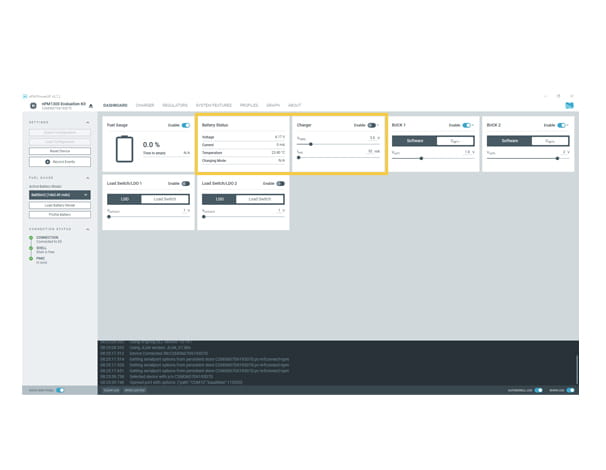
To charge the connected battery, set the termination voltage and current limit, and click on “enable”
Connect nPM1300 EK to nPM PowerUP
Step 9 of 9
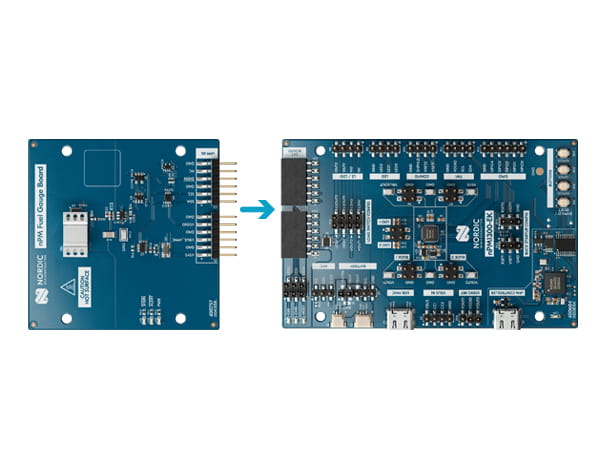
If you have acquired an nPM Fuel Gauge board and wish to create battery models for using the Nordic fuel gauge, follow the instructions in the Fuel Gauging application note
Support
Do you have any technical questions?

Developer Zone
The DevZone is where you can get in contact with our Technical Support team. You can post a private or public ticket and will be ensured support from Nordic. You can also find extensive tutorials, guides and blogs made by and for developers.